Q
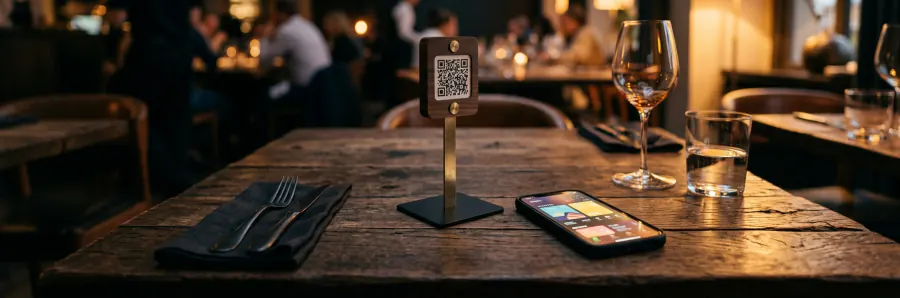
QR code on the table
The guest scans and the menu opens. No app to install, no sign-up. Each table can have its own code.
Build the menu in minutes, print the QR code, and let guests browse and order right at the table. No app, no reprinting the menu.
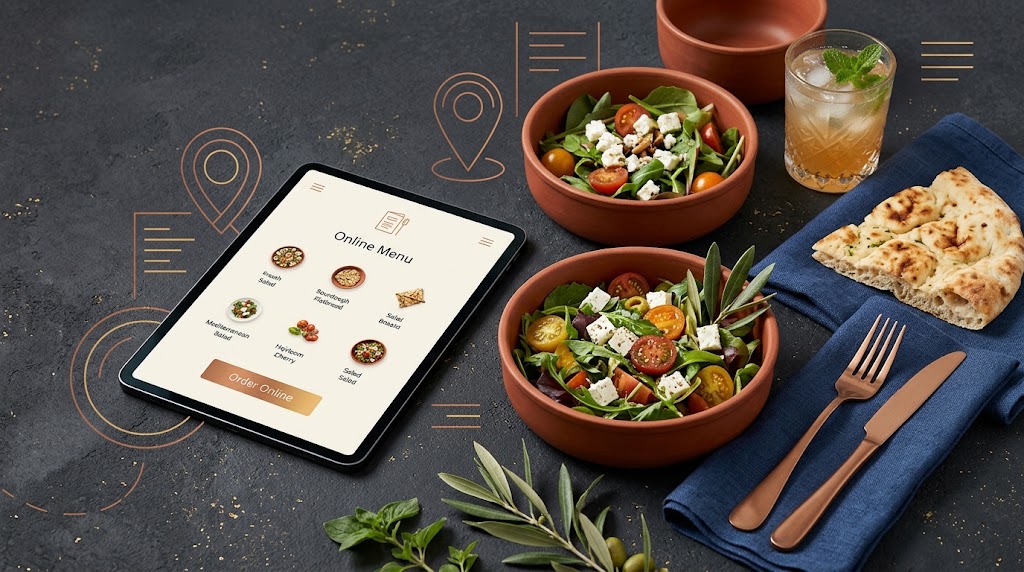
Built for small and large places alike, from a single cafe to a group with several separate menus.
The guest scans and the menu opens. No app to install, no sign-up. Each table can have its own code.
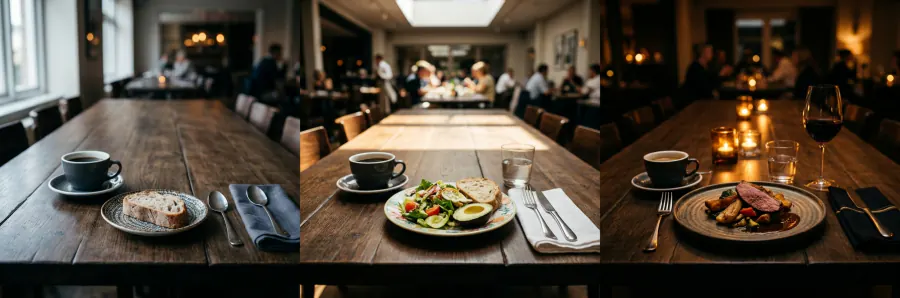
Build breakfast, lunch and dinner separately and set the serving hours of each.
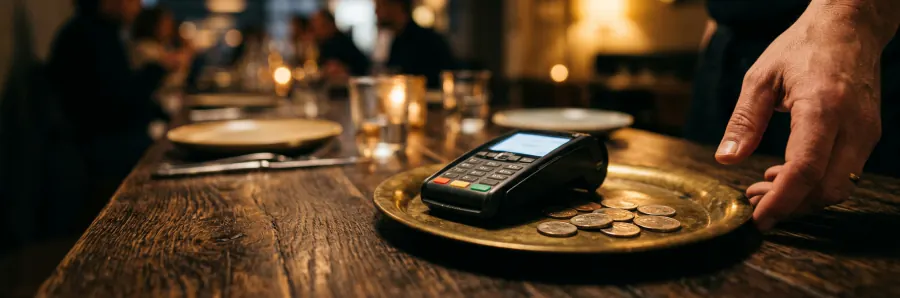
AED, USD, SAR or Toman — set per menu, and large numbers stay readable.
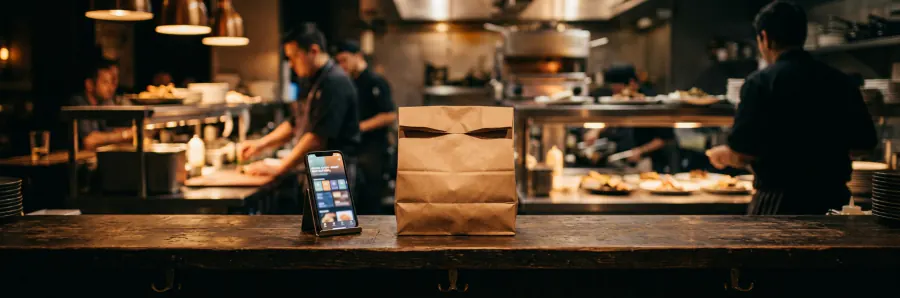
Cart, delivery fee, pickup discount and minimum order — all configurable.
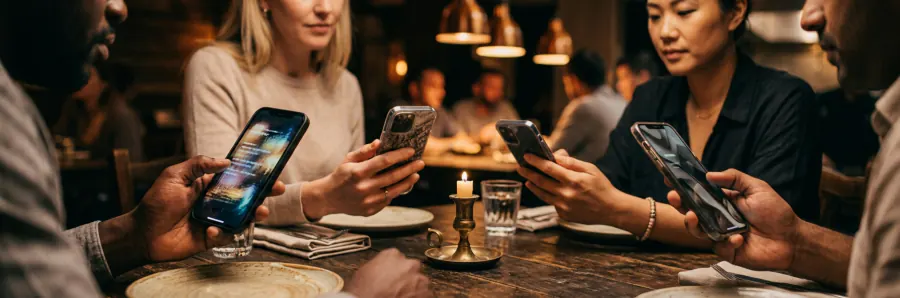
Arabic, English and Persian — the menu itself and every dish name. Guests switch language with one tap.
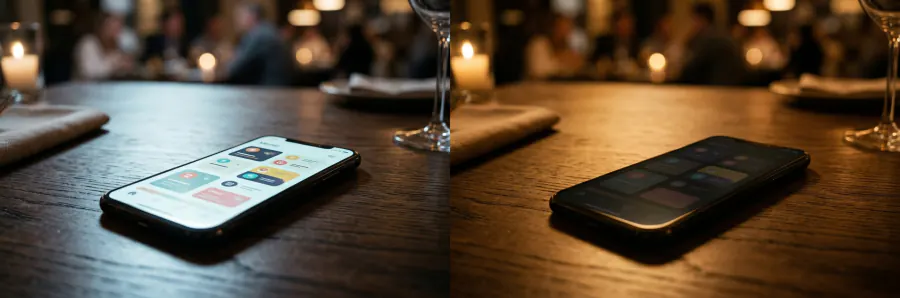
Pick your brand colour; the menu adapts itself to light and dark mode.
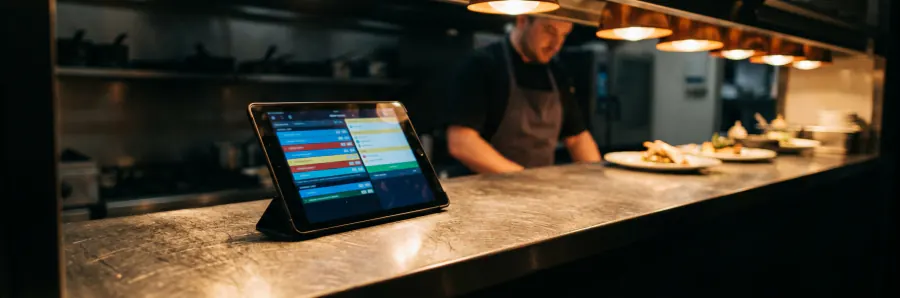
A new order arrives with a chime; confirm, reject with a reason, hand to the courier and mark delivered — all from one page. The kitchen queue has its own view.
You set the booking hours and the largest party you accept. Every request is confirmed or declined from the same panel.
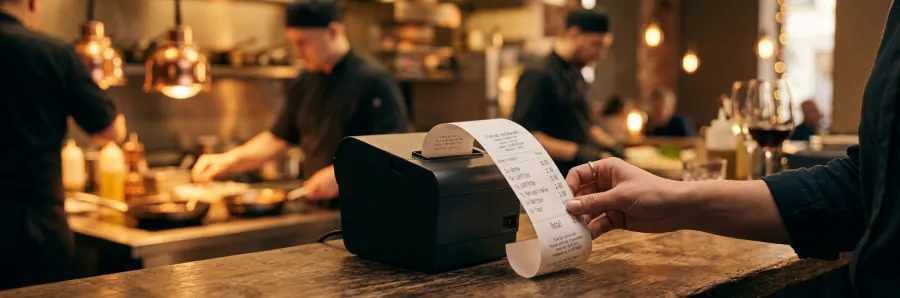
Receipts print from the panel; after a one-time setup they go straight to a thermal printer — Persian and Arabic come out correctly shaped, because the slip is sent as an image.
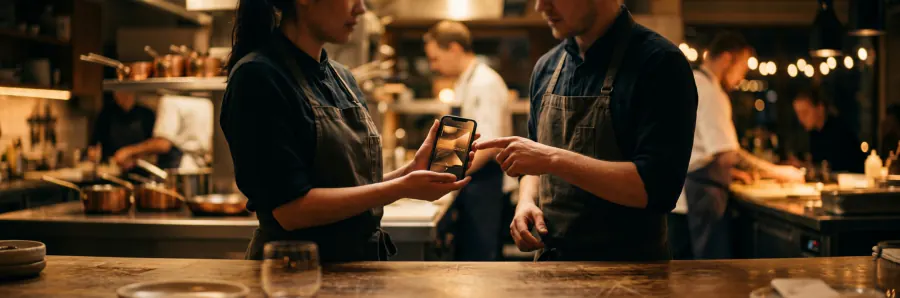
Add your cashier or head chef by phone number and they sign in to the panel on their own phone. Only the owner can add or remove them.
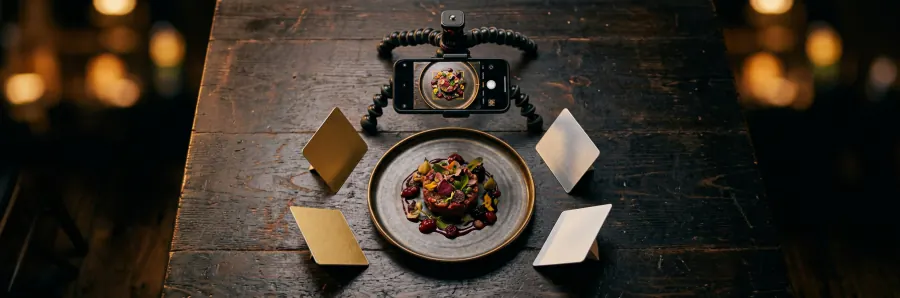
Every item takes up to five photos and one video, and each menu can have its own cover image.
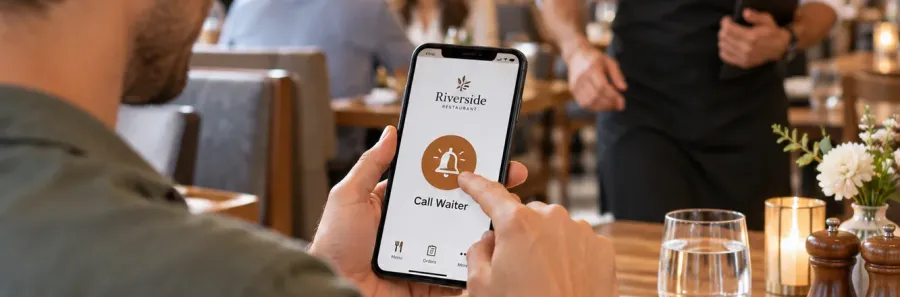
Guests call a waiter from the table with one tap, and the alert pops up in your panel instantly.
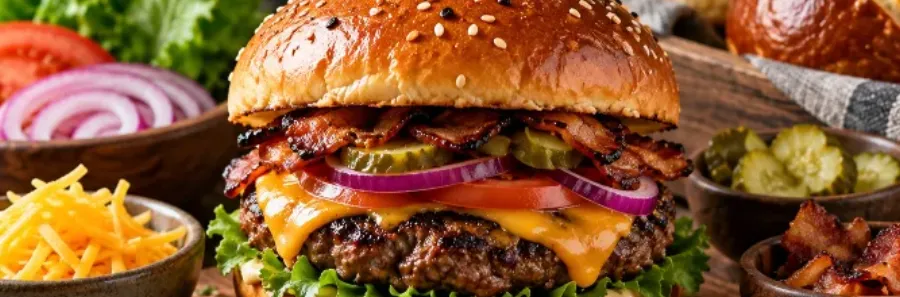
Small or large, extra cheese, type of bread… each option with its own price; the total is worked out automatically.
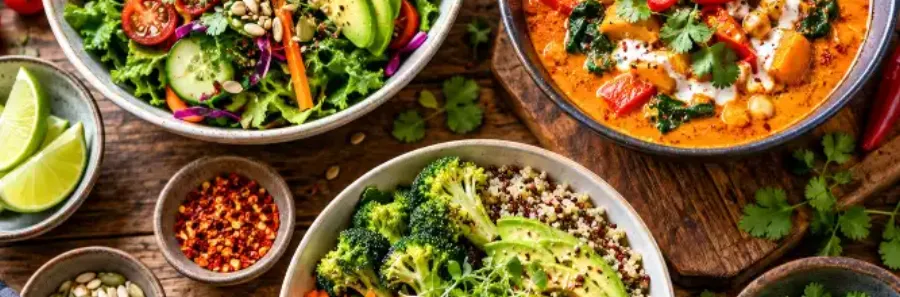
Vegetarian, vegan, spicy, gluten-free and halal — a small badge next to each dish, in all three languages.
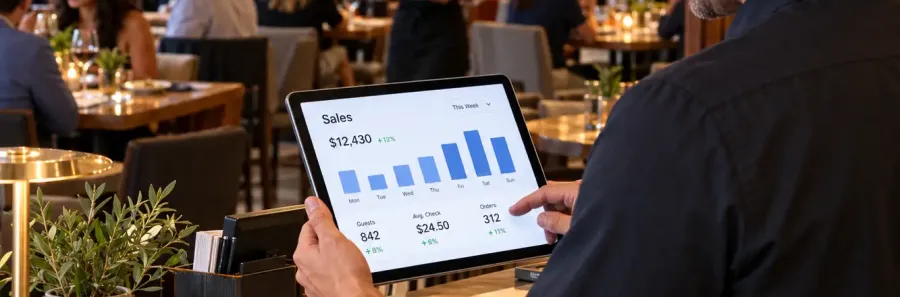
Today's sales, best-selling dishes and customers at a glance.

A customer list with notes and addresses; after ordering, guests can leave their number for your loyalty club.
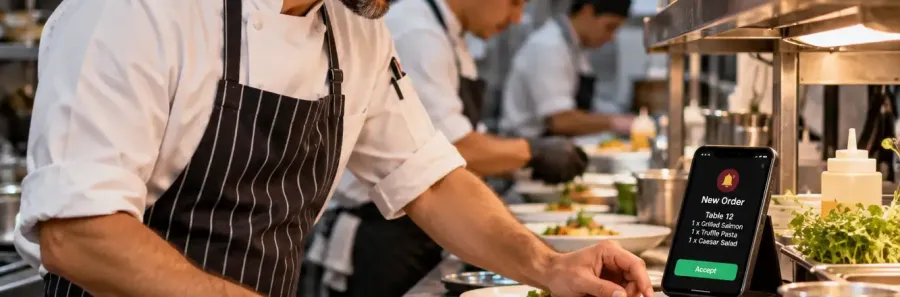
Up to 10 numbers get every new order on OnpChat — without needing access to the panel.
Name, business category, phone and WhatsApp. Logo and cover are optional.
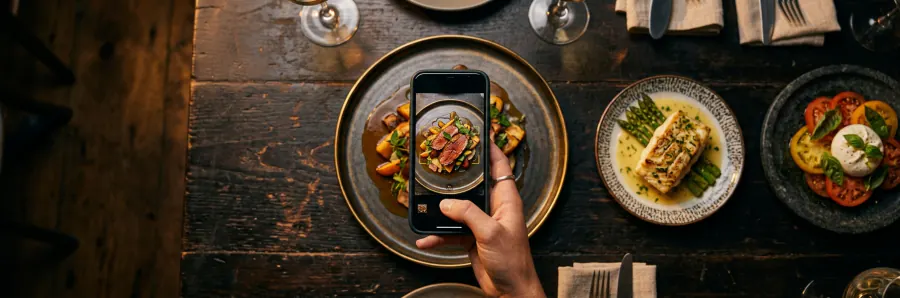
Name, price and category are enough. Photos and descriptions can come later.
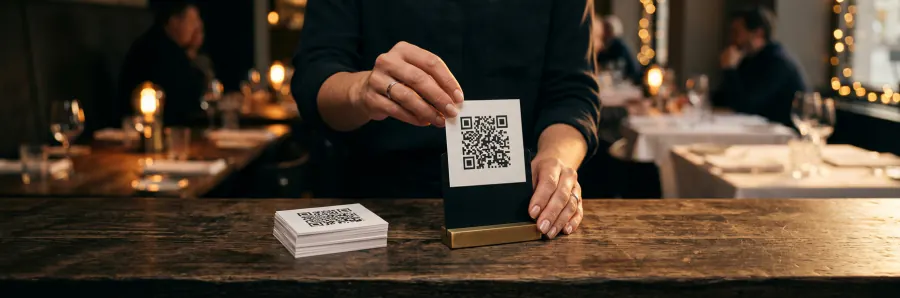
Take the code and put it on the table. Any menu change reaches guests instantly.
A restaurant listing is free. The digital menu, with every feature, is 500 AED (about 136 USD) a year plus a one-time 100 AED (about 27 USD) setup.
No. They scan the QR code with the phone camera and the menu opens in the browser.
Yes. Any change in the panel shows up in the customer menu instantly, and the QR code stays the same.
That's fine. An item without a photo shows the first letter of its name in your brand colour and still looks tidy.
In the restaurant panel. Every new order goes to the top of the queue with a short chime, and you confirm, reject or mark it delivered. Each order gets an invoice number and a tracking code, and guests who left their OnpChat number are notified at every status change.
You can add an English and Arabic name for each item. The menu itself opens in Arabic, English and Persian.
Building the menu takes a few minutes and costs nothing to start.